Docs
Expense
Quickly capture a receipt while you're out — it's sent straight into SparkyExpenses as a real expense.
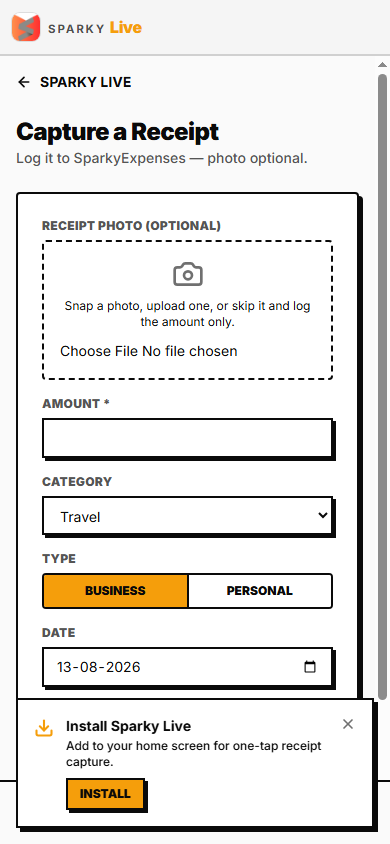
How to log an expense on the go
Open Expense from Home (only available if your organization uses SparkyExpenses). Enter the amount (required), pick a category, set the date (defaults to today), add a description, mark it business or personal, and attach a photo of the receipt. Submit — it's created directly in SparkyExpenses, ready to go through that product's own approval process if your organization uses one.